


New frontend developers
Strengthen your React foundation with clear visual explanations and practical context.
Earn ₹5–22 LPAwith React skills
Go from zero to production React with 114 animated, voice-explained videos: hooks, routing, TypeScript, testing, Next.js and deployment.

Course preview
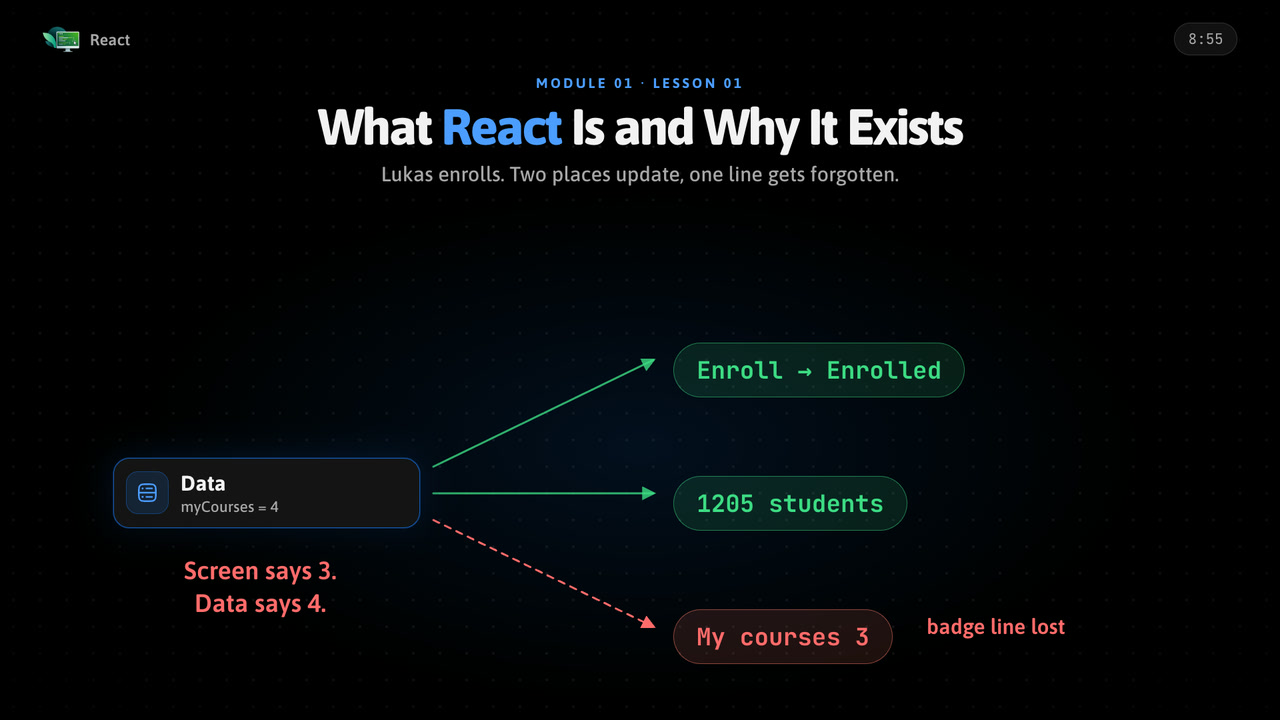
Watch free demo lectures from the course to see the visual, voice-explained teaching before enrolling.
Career outcomes
Use your React knowledge in portfolio projects, interviews, and practical work for roles such as these.
This React course turns important concepts into clear visual explanations you can learn in short sessions and revisit whenever you need a refresher.
Work through 114 videos at your own pace, apply each idea through structured examples and assignments, track your progress, and earn a certificate when you finish.
Build practical understanding through visual explanations, guided examples, and focused practice.
Build practical understanding through visual explanations, guided examples, and focused practice.
Build practical understanding through visual explanations, guided examples, and focused practice.
Build practical understanding through visual explanations, guided examples, and focused practice.
Strengthen your React foundation with clear visual explanations and practical context.
Fill knowledge gaps and apply React concepts more confidently in practical work.
Use structured lessons and focused practice to support projects, interviews, and career growth.
Topics
Syllabus
Review the React curriculum module by module, from core concepts through real build projects and interview prep.
See what React is and why it exists, how a web page works, set up your tools and tour your first app.
Learn exactly the modern JavaScript React uses: arrow functions, destructuring, array methods, modules and async code.
Build screens from components with JSX, props and children, and ship a course-card gallery.
Make pages react to users with events and useState, and understand how rendering works.
Render lists and conditions, build controlled inputs and forms with validation, and choose a clean state shape.
Style React apps with plain CSS, CSS Modules and Tailwind, with responsive design, dark mode and accessible components.
Sync with the outside world using useEffect, refs, data fetching and your own custom hooks.
Turn one page into a multi-page app with React Router: routes, params, layouts, loaders and protected routes.
Add TypeScript to React: typed props, state and events, generic components and Zod-validated API data.
Share state without prop drilling using Context, useReducer and Zustand, and decide where state should live.
Handle server data with TanStack Query: queries, mutations, optimistic updates, pagination and prefetching.
Build big forms with React Hook Form and Zod: dynamic fields, wizards and file upload.
Add login flows, protected routes and roles, and keep your frontend safe from common attacks.
Understand the virtual DOM, keys, why components re-render, what is new in React 19, Suspense and error boundaries.
Measure and fix slow React apps with memo, the React Compiler, code splitting and long-list techniques.
Design reusable components with composition patterns, portals, accessibility and a clean component API.
Test React apps with Vitest and Testing Library, mock the API with MSW and run end-to-end tests with Playwright.
Keep a codebase healthy with linting, scalable project structure and debugging tools.
Move to Next.js: the App Router, server and client components, data fetching, server actions and SEO.
Go full-stack with a database, Auth.js authentication, webhooks, uploads and emails.
Build for production, deploy React and Next.js, and set up CI/CD and monitoring.
Add real-time UI, animations, offline support, translations and a React Native taster.
Prepare for React interviews and finish with a full capstone project.
Courses grouped into a path, in the order we would teach them. One payment, and every course in the set gets 3 months of access per course in the set.
Build the screens with React, the API with Python and plan it with system design.



React for the front end, Spring Boot for the back end, system design to join them.

React interviews and machine-coding rounds, DSA in Python and system design.

Course certificate
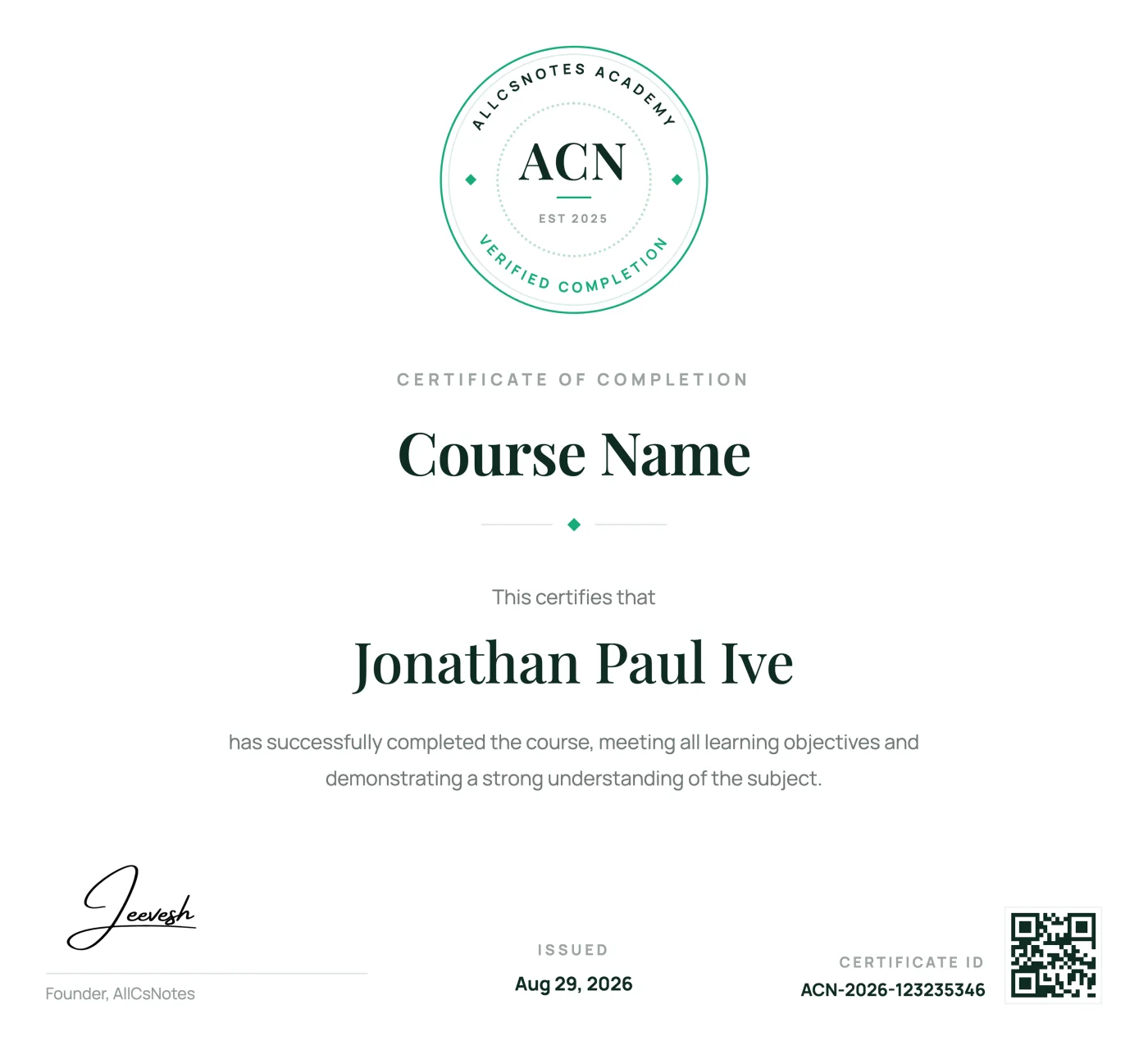
Complete every React lesson to earn a verified AllCSVideos certificate that demonstrates your commitment and newly developed skills.
Receive a unique certificate ID that confirms your completed course.
Add your achievement to LinkedIn, your portfolio, resume, or social profile.
Return to your certificate and learning record from your AllCSVideos account.
Real learning stories from people building practical skills with visual notes.
10,000+ verified public & course reviews
“The visual notes finally made React hooks click for me. I had watched several tutorials before, but this was the first time the concepts felt connected. I finished the course during one week of train rides.”
“I used one DSA lesson each morning and became much more confident explaining solutions in interviews.”
“Short pages, no filler. I stopped abandoning courses halfway once I switched to reading instead of watching.”
“The Python examples went straight into my project the same afternoon. Clear and practical from the first lesson.”
“I keep the SQL notes open while I work. Joins and window functions are easier to recall because I can find the exact visual explanation in seconds. It has become a daily reference, not just a course I completed.”
“My approach to system design became much more structured within a month of finishing the course.”
“The TypeScript course helped me understand the reason behind the types, not only the syntax. My project code feels much safer now.”
“I came for Next.js and stayed for the visual explanations. Server and client components finally make sense without replaying long videos.”
“The Node.js course connected routing, validation, security, and deployment into one clear mental model. I now understand how the pieces fit together in a production API.”
“Data Analytics felt much less intimidating once every workflow was broken into short visual steps. I could practice one idea at a time.”
“The DevOps notes gave me a practical path from containers to delivery pipelines. I return to the diagrams whenever I need to explain a workflow to my team.”
“Generative AI finally felt concrete. The sections on prompts, RAG, and evaluation helped me move from experiments to a project I could actually demonstrate.”