

Developers entering AI
Build a clear AI Video Creation foundation with visual explanations that do not assume prior expertise.
Earn ₹8–35 LPAwith AI Video Creation skills
Go from total beginner to paid AI video creator with 70 animated, voice-explained videos: Claude, ChatGPT, Kling, Google Flow, editing, 8 builds and earning.
Course preview
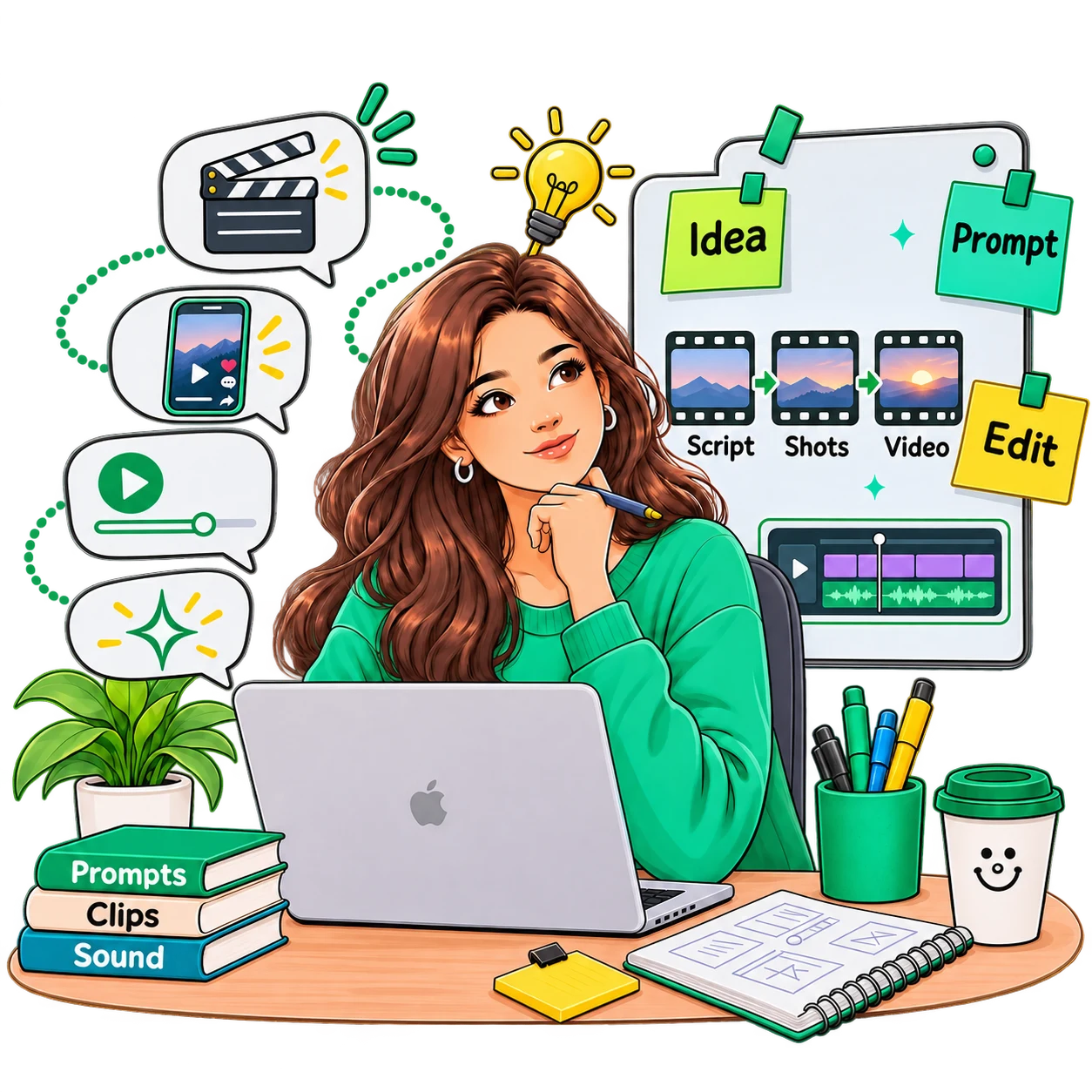
Watch free demo lectures from the course to see the visual, voice-explained teaching before enrolling.
Career outcomes
Use your AI Video Creation knowledge in portfolio projects, interviews, and practical work for roles such as these.
This AI Video Creation course turns important concepts into clear visual explanations you can learn in short sessions and revisit whenever you need a refresher.
Work through 70 videos at your own pace, apply each idea through structured examples and assignments, track your progress, and earn a certificate when you finish.
Build practical understanding through visual explanations, guided examples, and focused practice.
Build practical understanding through visual explanations, guided examples, and focused practice.
Build practical understanding through visual explanations, guided examples, and focused practice.
Build practical understanding through visual explanations, guided examples, and focused practice.
Build a clear AI Video Creation foundation with visual explanations that do not assume prior expertise.
Fill knowledge gaps and apply AI Video Creation concepts more confidently in practical work.
Use structured lessons and focused practice to support projects, interviews, and career growth.
Topics
Syllabus
Review the AI Video Creation curriculum module by module, from core concepts through eight complete video builds and earning with AI video.
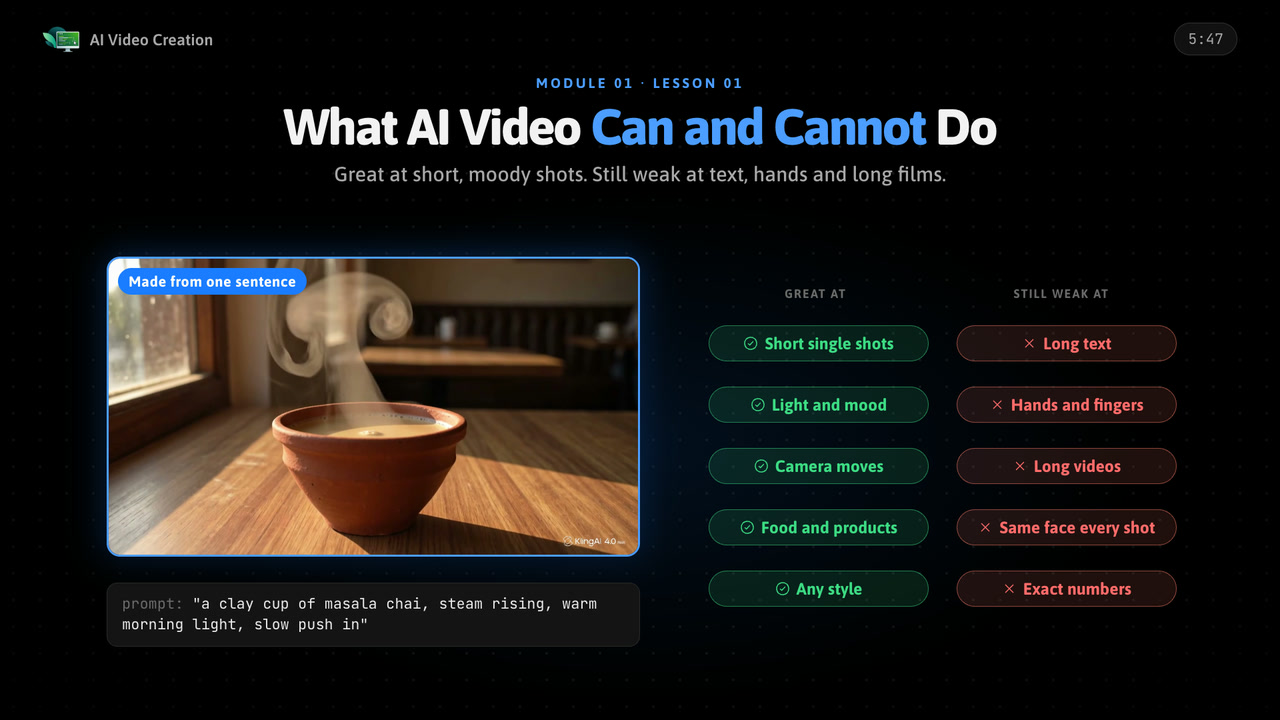
See what AI video can and cannot do today, how a video model turns noise into frames, when to use text, image or video to video, and the full workflow you will follow, on free plans.
Learn the video basics every creator needs: frames, frame rate, resolution, aspect ratios for Reels, Shorts and YouTube, shots and camera moves, and light, mood and style.
Set up Claude as your director: turn an idea into a script, the script into a numbered shot list, and every shot into a prompt with one clear formula, then fix clips that fail.
Make start frames in ChatGPT: your first image at the right size, a strong first frame, edits to background and light, character sheets, and clean product shots with readable text.
Learn Kling from zero: account and credits, text to video, image to video, start and end frames, camera control and motion strength, and how to fix bad clips without wasting credits.
Use Kling power features: lip sync, chaining clips with continuous motion, putting your character and product in one scene, and quick effects and templates.
Start with Omni 1.2 Flash in Google Flow: text to video with native voice, ambience and effects, writing dialogue in a prompt, image to video from a start frame, and Flow basics.
Compare Kling and Omni on the same prompts, work out the cost per usable second, and use a simple decision chart to pick the right tool for every shot.
Keep faces, clothes, places and colour the same from shot to shot: one character across six shots, a locked look for the world, and continuity between cuts.
Add sound that works: native sound or added later, voiceover with your own voice or free text to speech, copyright-safe music, sound effects and levels that keep the voice clear.
Edit in CapCut and Shotcut step by step: cutting and arranging clips, transitions and speed ramps, captions, colour, upscaling and small fixes, and export settings with a quality check.
Build four complete short videos: a 15-second Instagram Reel, a product ad with voice and music, a faceless YouTube Short and a talking character with lip sync.
Build four bigger videos: a one-minute short film, a music video cut on the beat, an explainer video and your own project from idea to upload.
Create safely: deepfakes and consent, labelling AI content on YouTube, Instagram and Meta, copyright and commercial use, and how to test a new tool quickly.
Turn the skill into income: career paths, a portfolio, finding clients, beginner pricing, the client workflow, when to upgrade your tools and a 30-day plan.
Courses grouped into a path, in the order we would teach them. One payment, and every course in the set gets 3 months of access per course in the set.
Make Reels, ads and short films with AI tools, then run and measure the ads that put them in front of buyers.


Crack coding rounds with DSA in C++, then clear the system design round.


DSA in Java, Spring Boot APIs, system design and DevOps for backend roles.



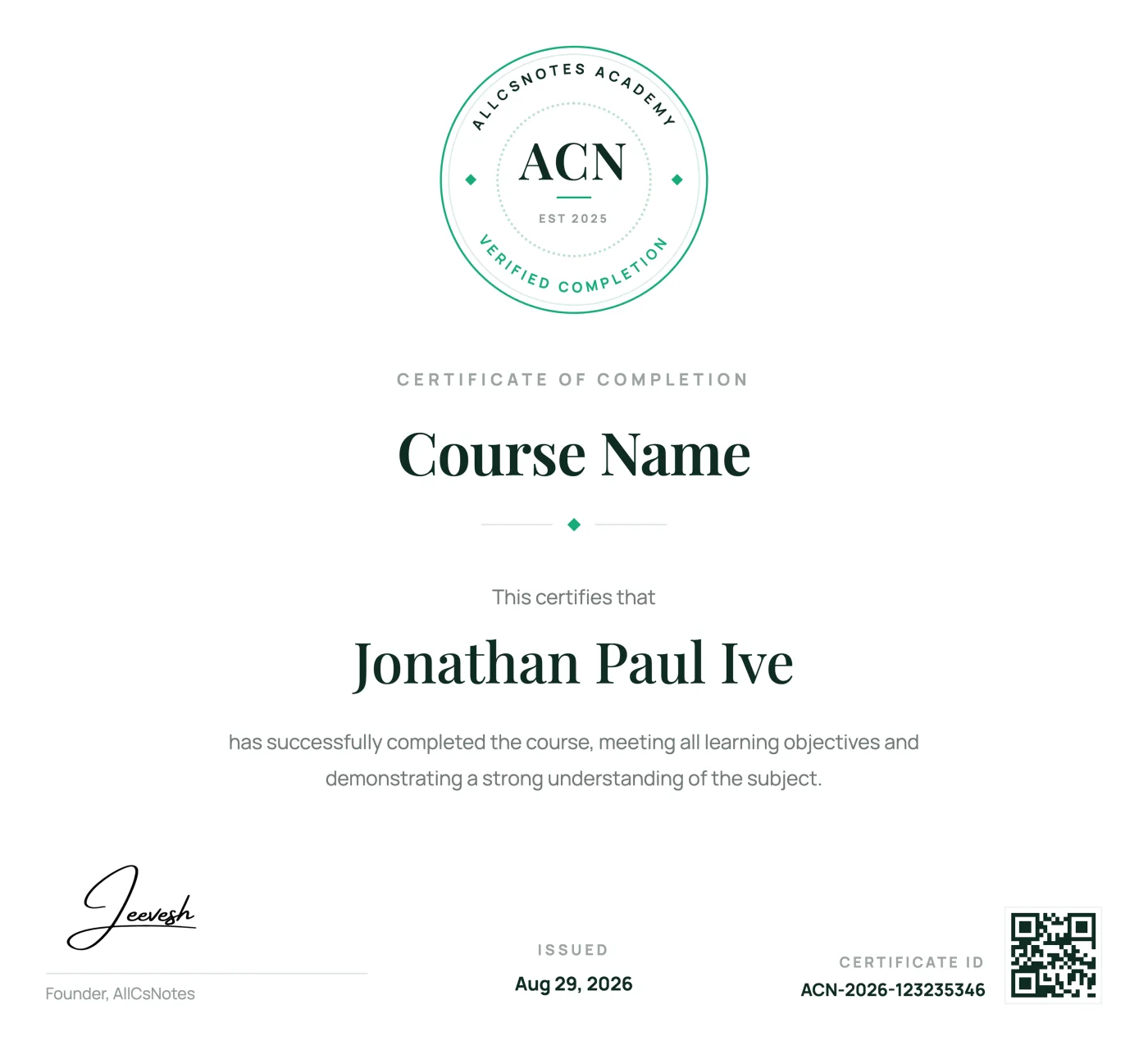
Course certificate
Complete every AI Video Creation lesson to earn a verified AllCSVideos certificate that demonstrates your commitment and newly developed skills.
Receive a unique certificate ID that confirms your completed course.
Add your achievement to LinkedIn, your portfolio, resume, or social profile.
Return to your certificate and learning record from your AllCSVideos account.
Real learning stories from people building practical skills with visual notes.
10,000+ verified public & course reviews
“The visual notes finally made React hooks click for me. I had watched several tutorials before, but this was the first time the concepts felt connected. I finished the course during one week of train rides.”
“I used one DSA lesson each morning and became much more confident explaining solutions in interviews.”
“Short pages, no filler. I stopped abandoning courses halfway once I switched to reading instead of watching.”
“The Python examples went straight into my project the same afternoon. Clear and practical from the first lesson.”
“I keep the SQL notes open while I work. Joins and window functions are easier to recall because I can find the exact visual explanation in seconds. It has become a daily reference, not just a course I completed.”
“My approach to system design became much more structured within a month of finishing the course.”
“The TypeScript course helped me understand the reason behind the types, not only the syntax. My project code feels much safer now.”
“I came for Next.js and stayed for the visual explanations. Server and client components finally make sense without replaying long videos.”
“The Node.js course connected routing, validation, security, and deployment into one clear mental model. I now understand how the pieces fit together in a production API.”
“Data Analytics felt much less intimidating once every workflow was broken into short visual steps. I could practice one idea at a time.”
“The DevOps notes gave me a practical path from containers to delivery pipelines. I return to the diagrams whenever I need to explain a workflow to my team.”
“Generative AI finally felt concrete. The sections on prompts, RAG, and evaluation helped me move from experiments to a project I could actually demonstrate.”