


Aspiring security professionals
Build a clear Cybersecurity foundation with visual explanations that do not assume prior expertise.
Earn ₹7–32 LPAwith cybersecurity skills
Go from beginner to job-ready cybersecurity with 131 animated videos in a real lab: Linux, firewalls, web security, Wazuh SIEM, incident response, 5 builds.

Course preview
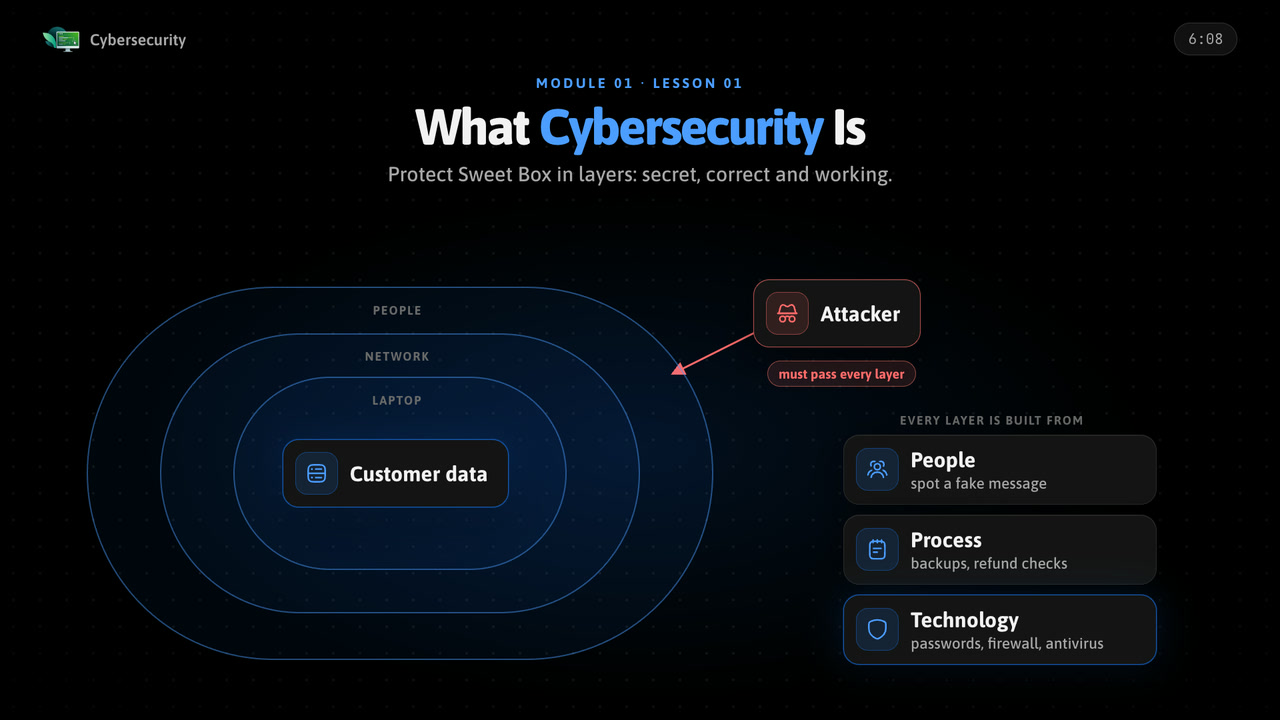
Watch free demo lectures from the course to see the visual, voice-explained teaching before enrolling.
Career outcomes
Use your Cybersecurity knowledge in portfolio projects, interviews, and practical work for roles such as these.
This Cybersecurity course turns important concepts into clear visual explanations you can learn in short sessions and revisit whenever you need a refresher.
Work through 131 videos at your own pace, apply each idea through structured examples and assignments, track your progress, and earn a certificate when you finish.
Build practical understanding through visual explanations, guided examples, and focused practice.
Build practical understanding through visual explanations, guided examples, and focused practice.
Build practical understanding through visual explanations, guided examples, and focused practice.
Build practical understanding through visual explanations, guided examples, and focused practice.
Build a clear Cybersecurity foundation with visual explanations that do not assume prior expertise.
Fill knowledge gaps and apply Cybersecurity concepts more confidently in practical work.
Use structured lessons and focused practice to support projects, interviews, and career growth.
Topics
Syllabus
Review the Cybersecurity curriculum module by module, from core concepts through five real lab builds, an end to end capstone and interview prep.
Learn what cybersecurity really protects, the CIA triad, who attacks and why, threat versus risk, the law and permission, and the jobs you can do, through Priya's Sweet Box cake shop.
Build a safe practice lab on your own computer with Docker Desktop, run your first Linux machine in a container, and keep every lab network inside your computer.
Use the terminal like a defender: move around, read and copy files, users and sudo, file permissions, find and grep, processes and services, and reading logs.
See how data travels: packets, private and public IP addresses, ports, the TCP handshake, DNS and HTTP, then check it yourself with ping, curl, dig and ss.
Capture real traffic in Wireshark and tcpdump, filter and follow a conversation, and watch a plain HTTP login leak a password, then map the whole lab in Build 1.
Encryption from zero: symmetric AES and asymmetric RSA, make keys and encrypt a file with OpenSSL, how key exchange works and where crypto goes wrong.
Hashes as fingerprints of data, check a download with sha256sum, why MD5 and SHA-1 are retired, and sign and verify a file with GnuPG.
What the padlock proves: certificates, certificate authorities and the chain of trust, the TLS handshake step by step, then give the lab web server HTTPS.
How websites store passwords, why short passwords fall, password managers and passphrases, multi-factor authentication, and bcrypt versus a plain hash in Python.
Identity and access: authentication versus authorization, least privilege, DAC, MAC, RBAC and ABAC, single sign-on, and roles and permissions on Linux.
Governance, risk and compliance in plain words: policies, the risk process in 5 steps, security controls, GDPR, India's DPDP Act, PCI DSS and ISO 27001, then write a security plan in Build 2.
Why people are the easiest target: the anatomy of a phishing email, check links and headers safely, vishing, smishing and deepfake calls, and building a human firewall.
Network attacks and defences: man in the middle, DoS and DDoS, what a port scan reveals, firewalls, lock down a server with ufw, NAT, VPN and IPsec, and SSH done right.
Web application security on our own lab app: how a web app works, the OWASP Top 10, SQL injection, XSS, broken access control, CSRF, security headers, and fix 3 real bugs.
Malware explained safely: viruses, worms and trojans, ransomware and why backups win, how antivirus and EDR detect it, VirusTotal and the EICAR test file, then harden the server in Build 3.
Logs and monitoring: what a log is, spot failed logins in Linux auth logs, read web server logs, centralise logs on one log server, and what a SOC does all day.
Intrusion detection with Suricata: IDS versus IPS, signatures versus anomalies, install Suricata, write your first rule and catch a lab port scan.
Run a real SIEM: what a SIEM is, install Wazuh in Docker, add an agent to the shop server, and triage alerts on the dashboard.
Incident response: the kill chain and MITRE ATT&CK, the incident response lifecycle, playbooks for phishing and ransomware, and writing the incident report.
Network forensics: packet and protocol analysis, investigate a breach capture in Wireshark and tcpdump, build the timeline, then run a mini SOC drill in Build 4.
Cloud security on a local cloud lab: the shared responsibility model, cloud IAM and keys, storage buckets left open, logging in the cloud, and containers and secrets.
AI and cybersecurity: how attackers misuse AI, using AI to read logs and alerts, explaining a suspicious script with a local AI, and prompt injection.
Your career: a certifications map, a home lab portfolio, Capture the Flag practice and bug bounties done legally, interview questions, and the end to end capstone in Build 5.
Courses grouped into a path, in the order we would teach them. One payment, and every course in the set gets 3 months of access per course in the set.
Learn how networks really work in a real lab, then learn to defend them: firewalls, logs, intrusion detection, a SIEM and incident response.

Crack coding rounds with DSA in C++, then clear the system design round.


DSA in Java, Spring Boot APIs, system design and DevOps for backend roles.



Course certificate
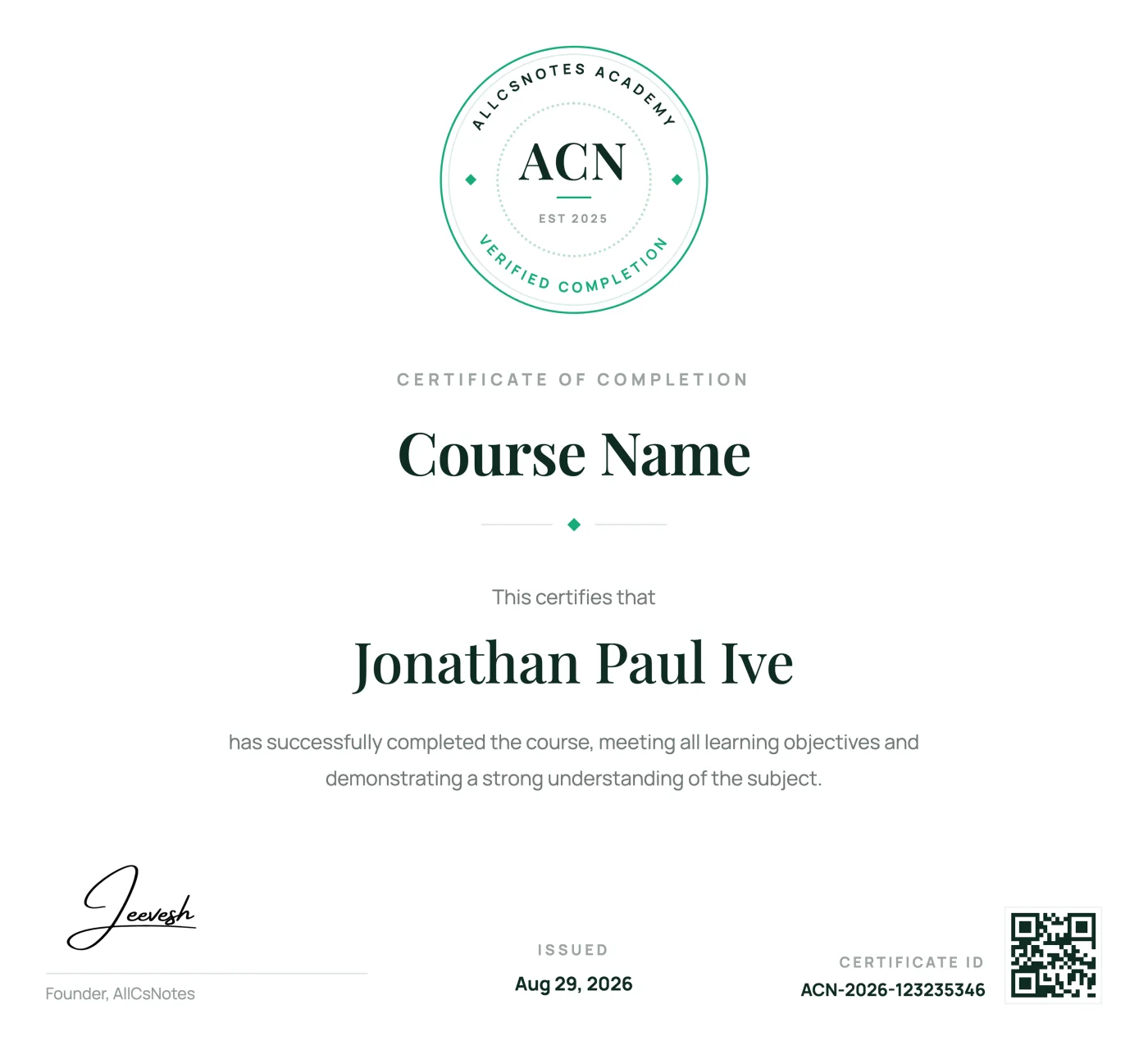
Complete every Cybersecurity lesson to earn a verified AllCSVideos certificate that demonstrates your commitment and newly developed skills.
Receive a unique certificate ID that confirms your completed course.
Add your achievement to LinkedIn, your portfolio, resume, or social profile.
Return to your certificate and learning record from your AllCSVideos account.
Real learning stories from people building practical skills with visual notes.
10,000+ verified public & course reviews
“The visual notes finally made React hooks click for me. I had watched several tutorials before, but this was the first time the concepts felt connected. I finished the course during one week of train rides.”
“I used one DSA lesson each morning and became much more confident explaining solutions in interviews.”
“Short pages, no filler. I stopped abandoning courses halfway once I switched to reading instead of watching.”
“The Python examples went straight into my project the same afternoon. Clear and practical from the first lesson.”
“I keep the SQL notes open while I work. Joins and window functions are easier to recall because I can find the exact visual explanation in seconds. It has become a daily reference, not just a course I completed.”
“My approach to system design became much more structured within a month of finishing the course.”
“The TypeScript course helped me understand the reason behind the types, not only the syntax. My project code feels much safer now.”
“I came for Next.js and stayed for the visual explanations. Server and client components finally make sense without replaying long videos.”
“The Node.js course connected routing, validation, security, and deployment into one clear mental model. I now understand how the pieces fit together in a production API.”
“Data Analytics felt much less intimidating once every workflow was broken into short visual steps. I could practice one idea at a time.”
“The DevOps notes gave me a practical path from containers to delivery pipelines. I return to the diagrams whenever I need to explain a workflow to my team.”
“Generative AI finally felt concrete. The sections on prompts, RAG, and evaluation helped me move from experiments to a project I could actually demonstrate.”