

Beginners building their first mobile app
Build a clear Flutter foundation with visual explanations that do not assume prior expertise.
Earn ₹6–26 LPAwith Flutter app development skills
Go from beginner to job-ready Flutter with 144 animated videos on a real Android emulator: Dart, widgets, state, APIs, Firebase, testing, publishing, 8 builds.

Course preview
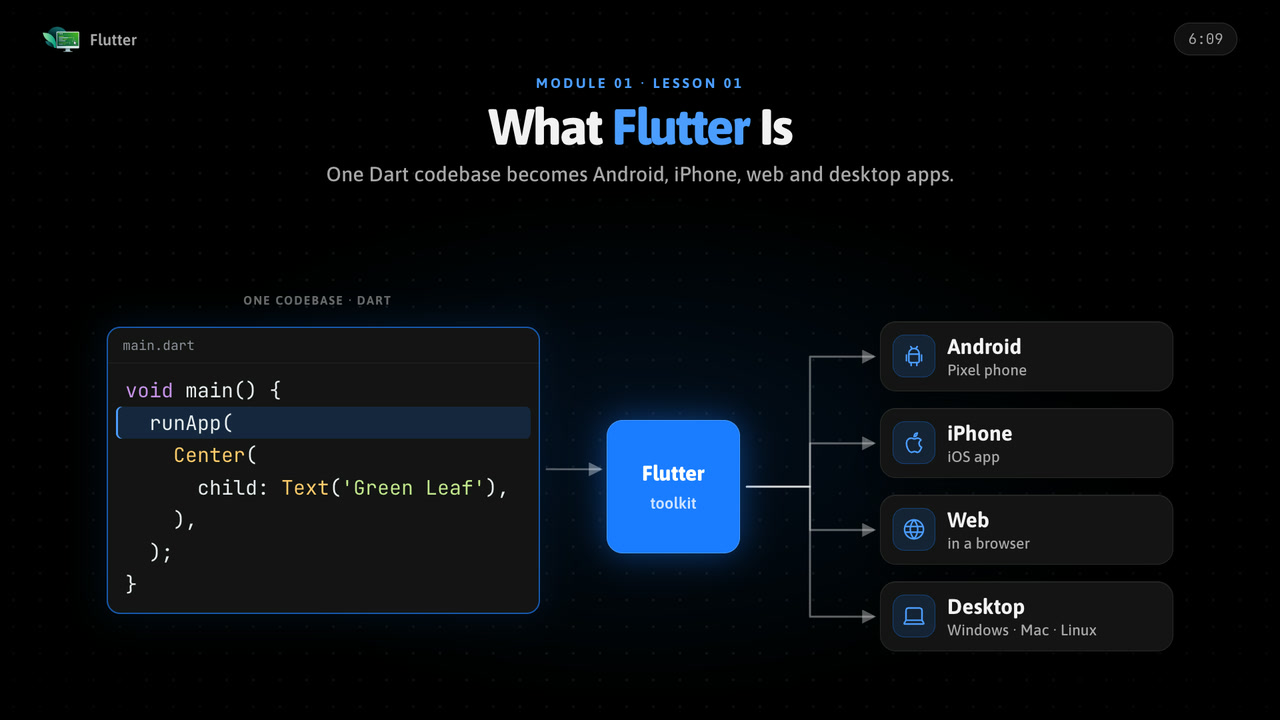
Watch free demo lectures from the course to see the visual, voice-explained teaching before enrolling.
Career outcomes
Use your Flutter knowledge in portfolio projects, interviews, and practical work for roles such as these.
This Flutter course turns important concepts into clear visual explanations you can learn in short sessions and revisit whenever you need a refresher.
Work through 144 videos at your own pace, apply each idea through structured examples and assignments, track your progress, and earn a certificate when you finish.
Build practical understanding through visual explanations, guided examples, and focused practice.
Build practical understanding through visual explanations, guided examples, and focused practice.
Build practical understanding through visual explanations, guided examples, and focused practice.
Build practical understanding through visual explanations, guided examples, and focused practice.
Build a clear Flutter foundation with visual explanations that do not assume prior expertise.
Fill knowledge gaps and apply Flutter concepts more confidently in practical work.
Use structured lessons and focused practice to support projects, interviews, and career growth.
Topics
Syllabus
Review the Flutter curriculum module by module, from core concepts through eight real app builds, publishing on the stores and interview prep.
See what Flutter is, how it draws every pixel of your app itself, why it uses Dart, and meet Zoya and her mother's plant nursery Green Leaf, whose apps you build all course.
Install Flutter on macOS or Windows, set up Android Studio with an emulator, Xcode with the iPhone simulator and VS Code, then run your first app and use hot reload.
Write your first Dart in DartPad: variables and types, strings and interpolation, numbers and maths, final and const, and null safety.
Make decisions with if, else and switch expressions, store data in lists, maps and sets, repeat with loops, and write functions with named and optional parameters.
Model real things with classes: constructors, getters and setters, private fields, inheritance, abstract classes, mixins, extensions, enums, records and patterns.
Keep apps responsive while they wait: Future, async and await, try, catch and finally, streams of data, and how the event loop runs it all on one thread.
Build screens from widgets: the widget tree, MaterialApp and Scaffold, Text, Container, Row, Column, Image, Icon, Stack, and your own reusable widget.
Master layout: constraints go down and sizes go up, Expanded and Flexible, fixing the overflow stripes, ListView, GridView and spacing widgets, then build a Coin Toss app.
Make screens react: what state is, StatefulWidget and setState, the widget lifecycle, passing data down and events up, and lifting state up.
Handle input: every kind of button, TextField with a controller, taps and swipes, dialogs, bottom sheets and snack bars, switches and sliders, then build a Plant Care Quiz.
Make apps look professional with ThemeData and ColorScheme, dark mode, custom fonts and image assets, cards, shadows and rounded corners.
Fix bugs with confidence: read red error screens, use print and logs, breakpoints in VS Code, DevTools and the Widget Inspector, and the ten errors every beginner meets.
Look right on every screen with MediaQuery, LayoutBuilder, portrait and landscape, iPhone and Android styles, tablets, web and desktop, then build an Expense Diary.
See how Flutter works inside: the widget, element and render object trees, BuildContext, keys, and how rebuilds affect performance.
Move between screens with Navigator push and pop, send data and get results back, tabs, bottom navigation, side drawers, go_router and deep links.
Share state across the app: why passing data through many widgets hurts, InheritedWidget, Provider, Riverpod and how to choose, then build a Plant Catalogue.
Bring screens to life with implicit and explicit animations, Hero animations and custom page transitions.
Collect input safely with Form and TextFormField, validation messages, dropdowns, date and time pickers, and saving the form.
Talk to the internet: what an API is, the http package, JSON to Dart objects, loading, error and empty states, and POST, PUT and DELETE, then build Weather Now.
Save data on the phone with shared_preferences, a real SQLite database, files and folders, and offline-first apps.
Use phone features: ask for permissions politely, the camera and gallery, location, maps and platform channels, then build a Trip Journal.
Add a backend with Firebase: connect your app, sign up and log in, Cloud Firestore, image uploads and push notifications, then build Green Leaf Chat.
Prove your app works with unit tests, widget tests and integration tests on a real emulator.
Grow real apps: choose good packages on pub.dev, organise folders, separate UI, logic and data with MVVM, and make your own package.
Ship your app: icon and splash screen, signed Android release, publishing on Google Play, iPhone release with TestFlight, the App Store, web and desktop, then the Green Leaf Shop capstone.
Get job ready with the top 40 Flutter interview questions, a live coding round, and a plan to keep going.
Courses grouped into a path, in the order we would teach them. One payment, and every course in the set gets 3 months of access per course in the set.
Build Android and iPhone apps with Flutter and Dart, then build fast web apps with React, so one person can ship on every screen.


Crack coding rounds with DSA in C++, then clear the system design round.


DSA in Java, Spring Boot APIs, system design and DevOps for backend roles.



Course certificate
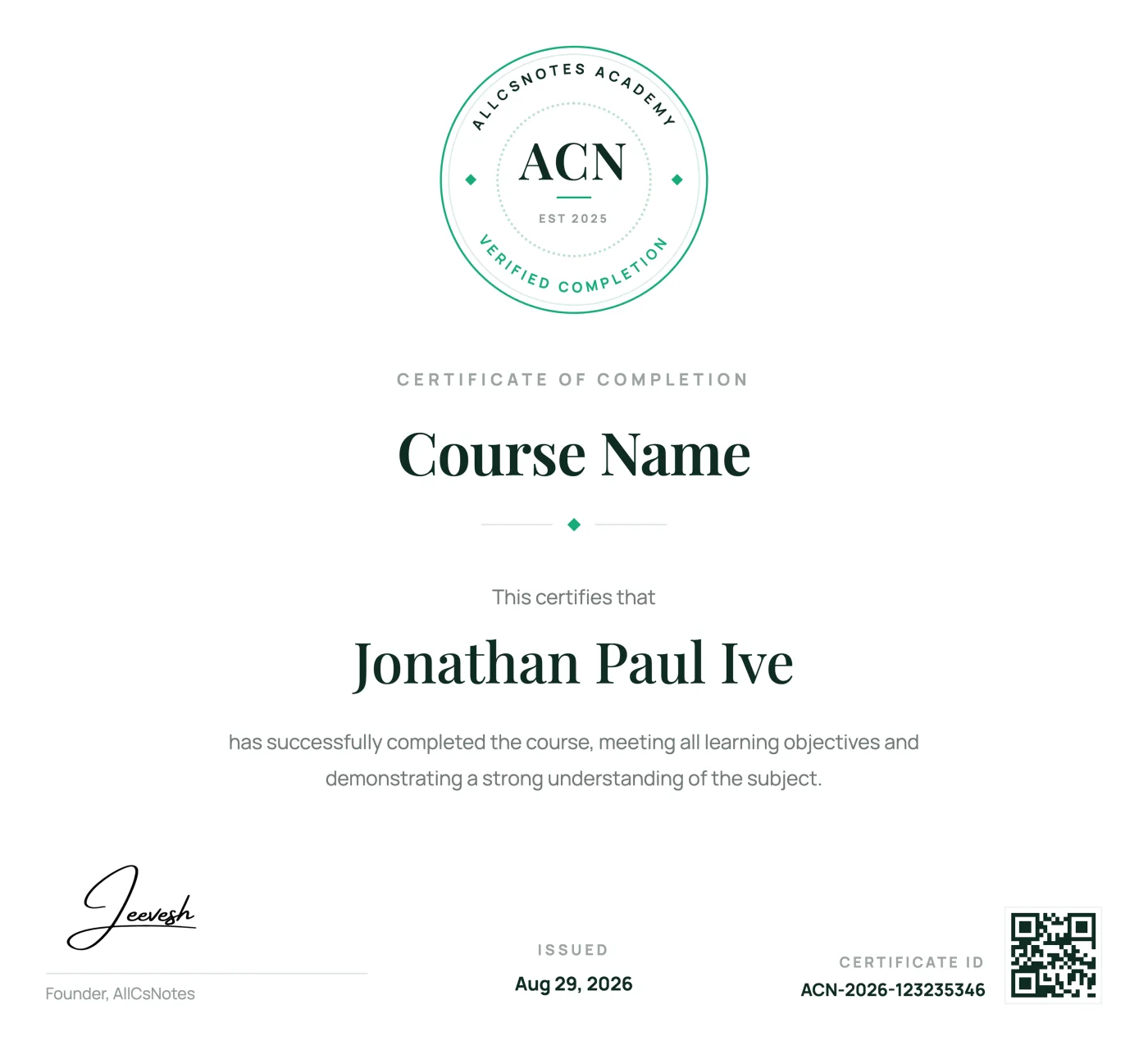
Complete every Flutter lesson to earn a verified AllCSVideos certificate that demonstrates your commitment and newly developed skills.
Receive a unique certificate ID that confirms your completed course.
Add your achievement to LinkedIn, your portfolio, resume, or social profile.
Return to your certificate and learning record from your AllCSVideos account.
Real learning stories from people building practical skills with visual notes.
10,000+ verified public & course reviews
“The visual notes finally made React hooks click for me. I had watched several tutorials before, but this was the first time the concepts felt connected. I finished the course during one week of train rides.”
“I used one DSA lesson each morning and became much more confident explaining solutions in interviews.”
“Short pages, no filler. I stopped abandoning courses halfway once I switched to reading instead of watching.”
“The Python examples went straight into my project the same afternoon. Clear and practical from the first lesson.”
“I keep the SQL notes open while I work. Joins and window functions are easier to recall because I can find the exact visual explanation in seconds. It has become a daily reference, not just a course I completed.”
“My approach to system design became much more structured within a month of finishing the course.”
“The TypeScript course helped me understand the reason behind the types, not only the syntax. My project code feels much safer now.”
“I came for Next.js and stayed for the visual explanations. Server and client components finally make sense without replaying long videos.”
“The Node.js course connected routing, validation, security, and deployment into one clear mental model. I now understand how the pieces fit together in a production API.”
“Data Analytics felt much less intimidating once every workflow was broken into short visual steps. I could practice one idea at a time.”
“The DevOps notes gave me a practical path from containers to delivery pipelines. I return to the diagrams whenever I need to explain a workflow to my team.”
“Generative AI finally felt concrete. The sections on prompts, RAG, and evaluation helped me move from experiments to a project I could actually demonstrate.”